iredmail邮件服务器搭建-自建邮局
1、修改主机名
vi /etc/hostname例如:mail.searoc.cn
2、修改hosts
vi /etc/hosts例如:10.11.99.13 mail.gaoxiaobo.com
其中10.11.99.13为服务器内网ip,mail.searoc.cn为上面设置的主机名
3、域名解析
主要添加2条解析记录,1、添加A记录,解析mail.searoc.cn至服务器公网ip;2、添加mx记录,解析至mail.searoc.cn
mail A 123.123.123.123
@ MX mail.searoc.cn
4、安装iredmail
iredmail的安装比较简单,可以参考官方文档:https://docs.iredmail.org/index-zh_CN.html,此处简单列一下操作步骤。
4.1、 下载安装包
当前最新稳定版是1.6.2,下载地址:https://github.com/iredmail/iRedMail/archive/refs/tags/1.6.2.tar.gz
wget https://github.com/iredmail/iRedMail/archive/refs/tags/1.6.2.tar.gz 解压
tar -zxvf 1.6.2.tar.gz 4.2 执行安装脚本
cd iRedMail-1.6.2/

bash iRedMail.sh
4.3 安装过程
设置邮件保存路径 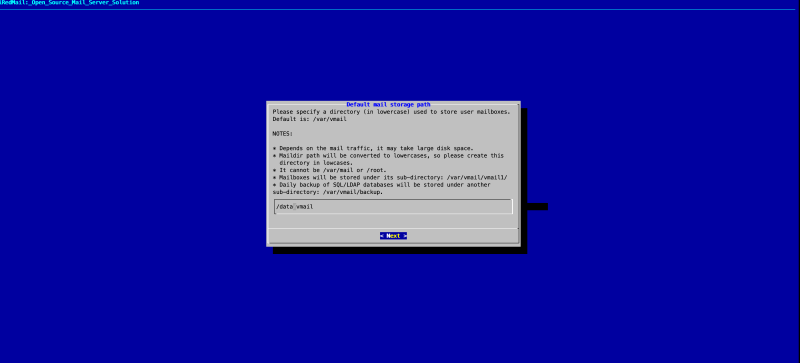
选择web服务器,这里我们用nginx 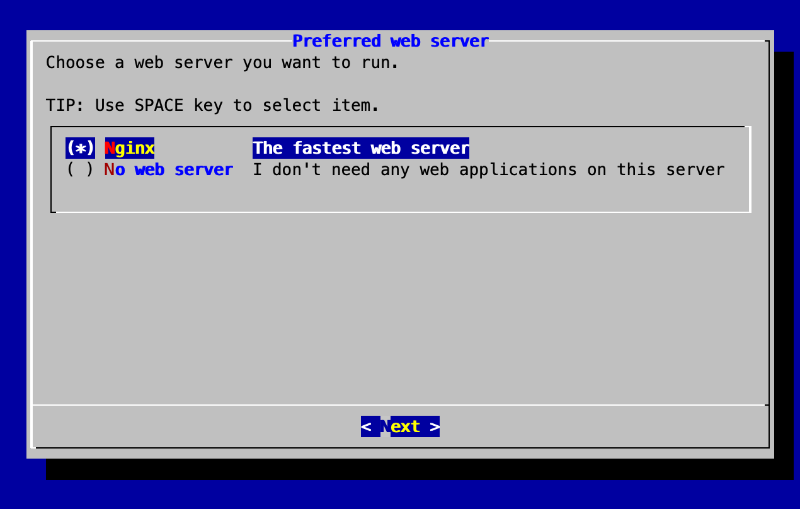
选择数据库,我们选择mariaDB 
输入数据库密码 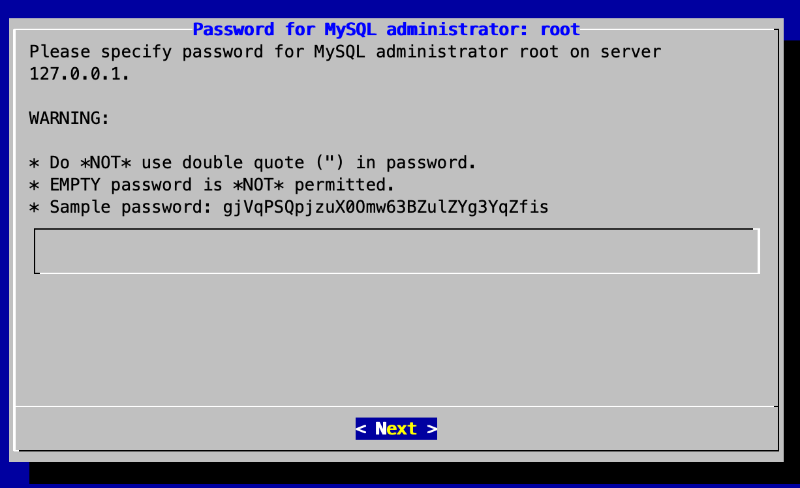
设置根域名 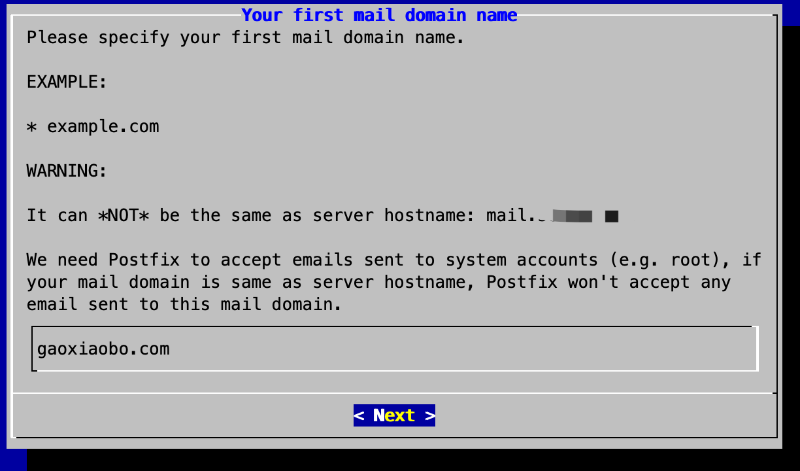
设置管理员账户密码 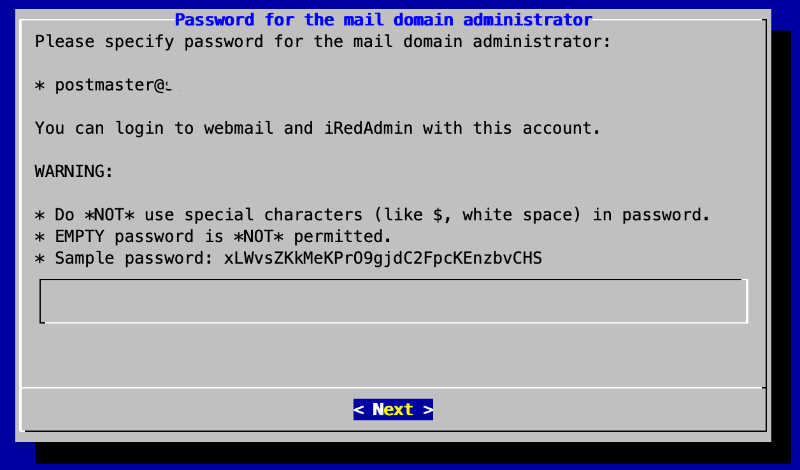
选择安装组件,使用默认的就好 
确认后,会自动进行安装,等待安装完成,安装完成后会自动配置防火墙
< Question > Would you like to use firewall rules provided by iRedMail?
< Question > File: /etc/nftables.conf, with SSHD ports: 22. [Y|n]y
[ INFO ] Copy firewall sample rules.
< Question > Restart firewall now (with ssh ports: 22)? [y|N]y
[ INFO ] Restarting firewall ...
[ INFO ] Updating ClamAV database (freshclam), please wait ...
安装成功
********************************************************************
* URLs of installed web applications:
*
* - Roundcube webmail: https://mail.gaoxiaobo.com/mail/
* - netdata (monitor): https://mail.gaoxiaobo.com/netdata/
*
* - Web admin panel (iRedAdmin): https://mail.gaoxiaobo.com/iredadmin/
*
* You can login to above links with below credential:
*
* - Username: postmaster@gaoxiaobo.com
* - Password: **********
*
*
********************************************************************
* Congratulations, mail server setup completed successfully. Please
* read below file for more information:
*
*   - /usr/local/src/iRedMail-1.6.2/iRedMail.tips
*
* And it's sent to your mail account postmaster@searoc.cn.
*
********************* WARNING **************************************
*
* Please reboot your system to enable all mail services.
*
********************************************************************
5、测试
首先按照提示重启服务器,重启完成后打开https://mail.searoc.cn/mail/使用默认的管理员账号postmaster@searoc.cn登录,进行收发信测试,中途如果有报错,需要根据具体错误进行排查。
6、目录整理
以下整理了组件的安装目录,修改一些配置时会用到,更多详细的信息可以查看安装包中iRedMail.tips文件
nginx目录:/etc/nginx
roundcube目录:/opt/www/roundcubemail-1.5.3
postfix目录:/etc/postfix
php-fpm:/etc/php/7.4/fpm/pool.d/www.conf